Are laptop webcam covers good conference swag?
Webcam covers connect naturally to privacy, but modern laptop tolerances, sensors, and adhesive quality make a generic cover a risky giveaway.
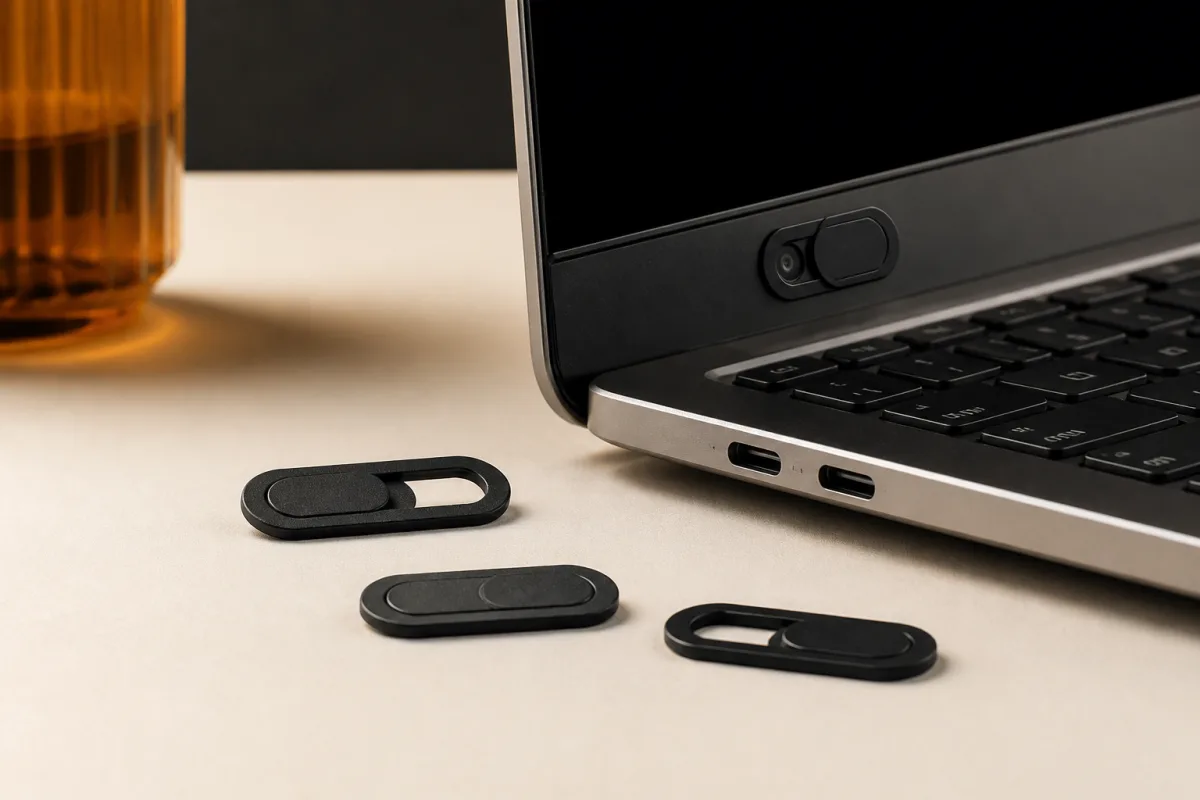
Laptop webcam covers are usually a weak conference giveaway because compatibility is difficult to guarantee across current devices. Their privacy message is understandable, but a few cents saved on an unverified cover is not worth risking a damaged screen, blocked sensor, or frustrated recipient.
Review at a glance
| Factor | Assessment |
|---|---|
| Indicative unit price | $0.49–$0.99 each |
| Common minimum | 250–300 units |
| Visitor value | Low |
| Recommended distribution | Conversation-qualified |
| Best for | Privacy or security conversations where device compatibility can be explained honestly |
| Main risk | A thick or misplaced cover can interfere with closing a laptop or obscure sensors |
| Verdict | Usually skip |
Visitor value is an editorial assessment of likely usefulness and fit, not a measured engagement or conversion result. Validate the decision with your own audience and a production-equivalent sample.
Where this item earns its place
The category has a narrow fit for security, privacy, compliance, or remote-work exhibitors that can discuss the limitations at handoff. Even there, the cover should be an optional accessory for compatible laptops rather than an implied requirement for every visitor.
Why it fails or creates waste
Thin display assemblies may not close correctly around an added slider, while nearby ambient-light, facial-recognition, or status sensors can be covered accidentally. Adhesive can also shift or leave residue, so universal claims are not credible without a defined compatibility list.
What the price range means
On August 21, 2026, 4imprint listed a privacy camera cover with screen cleaner at $0.61–$0.82 and a Rewind webcam cover at roughly $0.57–$0.92 across their quantity ranges. Those low prices do not include the cost of compatibility failures, so add setup, freight, tax, and any replacement policy to the landed-cost decision.
Test the sample before approving production
Use a production-equivalent sample, not only a digital artwork proof, and perform the test under the conditions a recipient will face. Record pass-or-fail results so price does not quietly overrule a real compatibility or quality problem.
- Measure the closed-lid clearance on several current thin laptops.
- Check that the cover does not obscure a camera indicator, light sensor, or face-authentication hardware.
- Open and close the slider at least 100 times without detachment.
- Remove a sample after one week and inspect for residue or finish damage.
- Confirm the packaging states that recipients must check their device manufacturer’s guidance.
Test on company-owned devices whose use permits accessories, not on a visitor’s laptop at the booth. If any representative device cannot close normally or loses a sensor function, reject universal distribution.
Distribution rule
Keep covers behind the counter and offer them only during a relevant privacy conversation with a clear compatibility caveat. Never install one for a visitor or imply that a physical cover replaces software controls and security practices.
Final recommendation
Usually skip webcam covers in favor of a non-adhesive, broadly compatible privacy item or useful security reference. Buy only after a thinness, adhesive, sensor, and closure test supports the exact audience you plan to serve.
Use the conference swag selection guide to compare the job, recipient, and landed cost. Review other options in the conference swag library before committing the order.
Next steps
Useful next steps
Guides
How to choose conference swag that earns its place
A practical method for choosing, sampling, distributing, and reviewing conference giveaways without buying clutter.
Guides
Are AirPods cases good conference swag?
AirPods cases are compact and inexpensive, but exact-generation compatibility sharply limits the audience and makes model identification essential.
Guides
Are baseball caps good conference swag?
Baseball caps provide visible, durable value for the right audience, but fit and conspicuous branding make them a poor universal handout.